Klik pada Nama untuk Download...
Simple Nand Flasher v1.3
XM360 v2.0d
Freestyle Dash 3.0 v775
Dash Launch 3.10
Dash Launch 3.11
NXE2GOD v1.2
ISO2GOD 1.3.6
GOD2ISO v1.4
Horizon v2.7.6.7
Horizon v2.7.6.8
Abgx v1.0.6
Yaris Swap v0.9
Xbox 360 Content Manager v3.0
USBXSTAFGUI v.44 ==> Software Pendukung untuk Meng-Inject Title Updates dengan menggunakan USB Drive pada mesin Non RGH.

Duniaku


Thursday, December 27, 2012
Monday, May 14, 2012
Tutorial for RGH Users
[TUTORIAL]Installing & Using DLC on RGH -
*NOOB FRIENDLY*
The below is a quick guide for anyone who needs assistance with getting DLC working on their RGH. These steps also work on a JTAG.What do these tools do?
First some tools you will need/want:
1. XM360 (v2.0d - latest version): http://adf.ly/P1nWu
XM360 allows you to see your content, and manage it, content that it is aware of is: XBLA, DLC, Title Updates, and Game Saves.
- It allows you to unlock XBLA and DLC.- It allows you to sort XBLA by title, release date, rating, etc.
- It allows you to launch XBLA titles
- It allows you to "backup" TUs to a separate directory that isn't subject to wiping by the 360.
- It allows you to delete content.
- It will produce "reports" of what content you have and what you are "missing."
Installing DLC:
There are two basic ways you can run DLC on your console. Below is a brief description of the main way (using an internal harddrive), and a link to Kazekage Gaara's tutorial on how to run DLC from a USB flashdrive.
1. Internal Harddrive:
DLC should be run from an internal harddrive whenever possible to avoid any issues with unlocking that DLC, as well as the need to setup a flashdrive for use with DLC as the folder structure needs to be created manually. To install DLC within your internal harddrive, either use 360 Content Manager and let it automatically load the content for you, or use FlashFXP to FTP the DLC to the following directory: HDD:\Content\0000000000000000\\00000002\ (Example using Batman Arkham City referenced below)
HDD:\Content\0000000000000000\57520802\00000002\4A 204AE6820F5E40932E4FBF41CF8A6E2E84DBDE57
*NOTE: "HDD:\" is for internal harddrive.
2. Flashdrive
Getting DLC Working:
If your DLC is not immediately working upon installing on your console, then there are three main reasons why:
1. DLC is NOT unlocked
2. Incorrect or non-existent Title Update (aka TU)
3. Incorrect launch.ini setting within DashLaunch
1. Unlocking DLC:
- Download XM360 referenced above and install it onto your console as Homebrew (if using FreeStyle Dash), or on your internal/external harddrive in your location of choice for easy execution within Xexmenu. (I personally run it from within FreeStyle Dash, aka FSD).
- Launch XM360
- Select "Rescan All", and run a scan (XM360 will scan your console for DLC, XBLA, TU's, and Gamesaves)
- Select "Show DLC"
- Then "Unlock DLC"
- XM360 will then unlock your DLC, and display a pop-up message advising the amount of DLC that has been unlocked
*NOTE: Some of your DLC and game Titles may appear within blue font with a message (No matching title is in the database)<----if .csv="" both="" files="" font="" for="" message="" need="" see="" this="" to="" update="" will="" you="" your="">dlc_titles and xbla_titles by doing the following:
1) Copy the \server\ folder from within the xm360 directory to the root of your PC harddrive (C:\)
2) Open up a command prompt within the C:\server\ directory by holding down shift and right-clicking to select "Open command window here"
3) Type XM360server.exe /X (to update XBLA) or XM360server.exe /D (to update DLC)
4) Copy your newly created .csv file(s) (they'll be in c:\server\ directory) to the XM360 directory within your 360
If you keep getting the error message :\\xbla_titles.csv not found, creating from scratch and it not creating the .csv's, open up xm360server.cfg and change the line #DEFINE_HDD1 = e:\temp\ to DEFINE_HDD1 = c:\server\
(If you want it to add other region XBLA/DLC, you need to type XM360server.exe /L xx-XX /X, where xx-XX can be found from your regions xbox.com website address (for example: en-GB is for the UK and ja-JP is Japan), it automatically scrapes the info from the US site)
This will cure the blue text and 'not in database' messages when in XM360 on your JTAG...
ALSO....if you have downloaded a file that is not being recognized within XM360, try to "Repair Filename" under "Show DLC", and then rescanning.
2. Title Updates:
Most, if not all, DLC requires a TU to work with the DLC you have downloaded. The majority of the forum members do an excellent job with including the required TU with the DLC (& XBLA) whenever posting. Either download the TU manually with the the included DLC (or from places like the JQE Marketplace, XBUC, etc.) and then install the TU manually via FTP or automatically using 360 Content Manager to the following location:
- Internal Harddriver: HDD:\Cache\
- Flashdrive: USB:\Cache\*NOTE: You will need to create and inject this folder directory manually into your flashdrive as you did with the DLC folder described above following the posted link.
If you are using FSD as your dashboard, allow it to download and install the TU for you. To do this, follow these steps:
- Navigate to your select game
- Press Y (to display the options menu)
- Navigate down to "Manage Title Updates"
- Press A
- Press Y again (FSD will download and install your TU)
- After it is finished downloading select the TU and press A to activate it
*NOTE: If FSD downloads more than 1 TU, ONLY activate the latest one. You DO NOT need to activate them all.
Also, at times you will be required to place your TU within a folder labeled "000B0000" if your TU has been downloaded manually and consists of a short filename similar to something like this: tu00000008_00000000
Then place the "000B0000" folder within the same directory as your DLC folder under the Title ID folder. (Example again using Batman Arkham City referenced below)
HDD:\Content\0000000000000000\57520802\000B0000\tu 00000008_00000000
If you manually downloaded a long file name like this one, TU_1A581V7_000000C000000.0000000000183, then it should be placed within the Cache folder located at the root of your internal harddrive or within the one your created on your flashdrive.
3. DashLaunch Setting:
DashLaunch is an application installed onto your console which allows you to boot into a hacked dash like FSD and also provides you with the ability to tweak the nature in which your console behaves. DashLaunch has a settings file called launch.ini which sets the parameters of how your console behaves with this app installed. Within it is a setting called contpatch. If you have followed all of the steps above and your DLC still isn't working, and you have DashLaunch installed, you will need to locate your launch.ini file (in most cases it will be in the root of either your internal/external harddrive, but can also be placed within Flash Memory, BB MU or USB). Once located, you will need to transfer that file (using FTP or a flashdrive) to your PC and edit it within Notepad. If the setting contpatch does not exist within your launch.ini, do not add as it is already within it's default value of false. If contpatch = true is defined as a setting, change the value to false or remove the entry altogether. Save your file, copy onto your flashdrive or FTP to your console, and overwrite your existing launch.ini file. Rerun XM360, and then test your DLC.
If all of the above fails then confirm with the uploader the region for which the DLC is specified for use. DLC is not like a game, and is region specific. You will not be able to use PAL DLC on a NTSC game or vice versa. Make sure you download the DLC which matches the region of the game you are planning to play.
All credits goes to Dutch1576

Monday, December 19, 2011
Accessories and Others ...

Stick Wireless Original PS4
Rp. 800.000


Stick Wireless Original Xbox One
Rp. 875.000
Itech Power Bank Z05D 5800 mAh
Rp. 185.000, 6 Bulan Garansi
*Kerusakan Kabel tidak termasuk garansi



 Itech Power Bank Z05E 5800 mAh
Rp. 175.000, 6 Bulan Garansi
*Kerusakan Kabel tidak termasuk garansi
Itech Power Bank Z05C 5800 mAh
Rp. 175.000, 6 Bulan Garansi
*Kerusakan Kabel tidak termasuk garansi
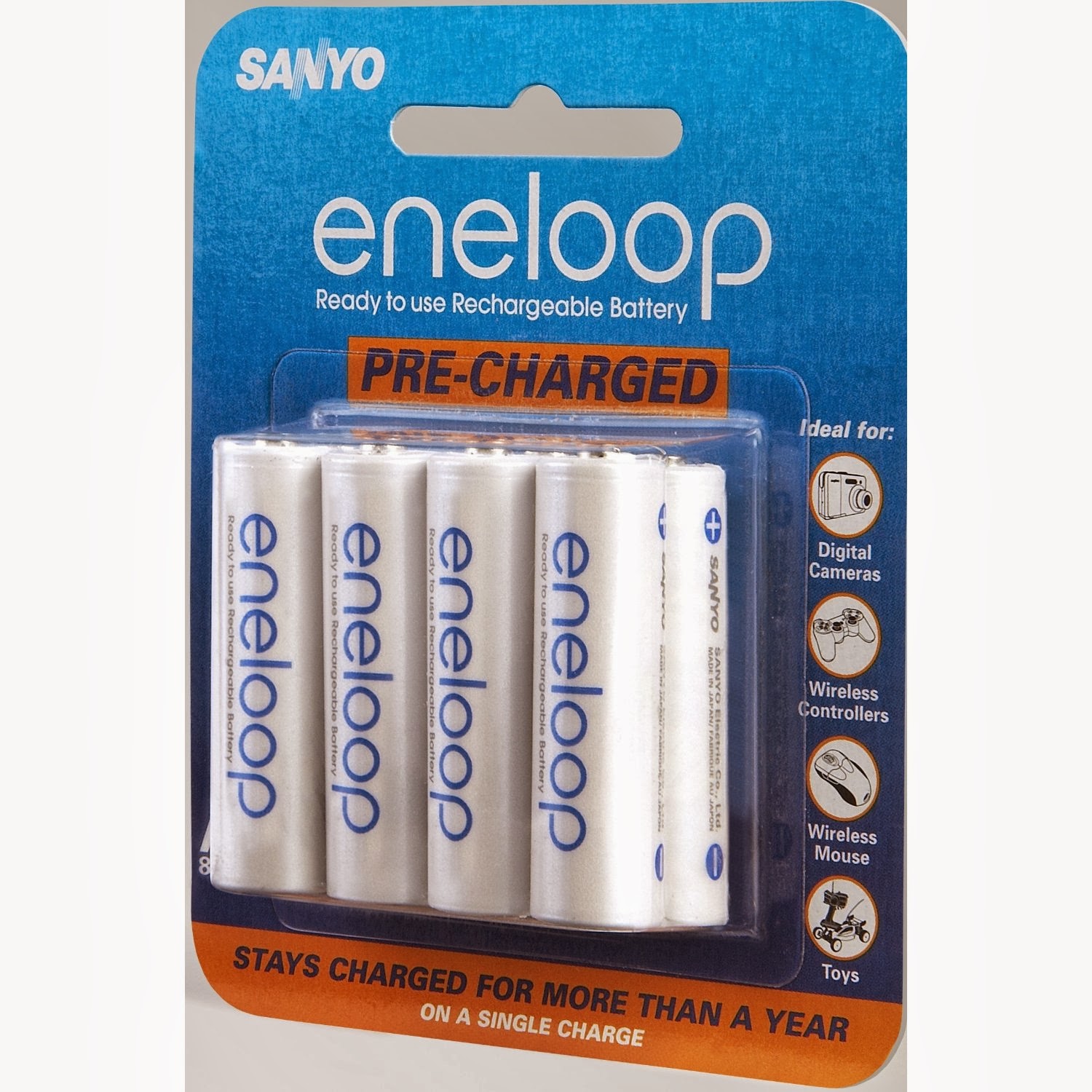
Battery Eneloop AA 4pcs
Rp. 130.000
Universal Camera Clip Rp. 115.000
Adaptor Original utk Xbox FAT
Compatible dari Xenon s/d Jasper
Rp. 410.000

Play and Charge KIT Non Original
Rp. 125.000
* Tersedia Warna Hitam dan Putih

Casing HDD for Xbox Slim
Rp. 75.000

Stick Wired Non Original
Rp. 250.000

ROM Lite-on For FAT Xbox 360
Rp. 500.000
* Tidak Berikut Biaya FLASH

Thermal Paste Noctua NT-H1
Rp. 100.000

Cable for Wireless Stick
Rp. 80.000

Original Games Sealed and New :
- Lego Indiana Jones + Kungfu Panda Rp. 100.000
- Need for Speed Hot Pursuit Rp. 150.000
- Gears of War 1 Rp. 175.000
- Gears of War 2 Rp. 175.000
- Gears of War 3 Rp. 200.000
- Super Street Fighter IV Rp. 150.000
- HALO 3 ODST Rp. 175.000
- Halo Reach Rp. 200.000
 Stick Wireless Original
Rp. 400.000
Tuesday, May 10, 2011
Kinect Required Games List
Adidas miCoach [PAL]
Adrenalin Misfits [US] / [ASIA/PAL Berjudul Cross Board 7]
Alvin and the Chipmunks: Chipwrecked [US]
Big League Sports
The Biggest Loser: Ultimate Workout
The Black Eyed Peas Experience
Body and Brain Connection [PAL/US] + [ASIA dengan Japan Language]
Brunswick Pro Bowling [PAL]
Cabela's Adventure Camp [PAL/US]
Carnival Games: Monkey See, Monkey Do
Country Dance All Stars [US]
Dance Central
Dance Central 2
Dance Central 3
Dance Evolution [ASIA/PAL Utk Mesin NTSC/J Otomatis Berbahasa Jepang] / [US Berjudul Dance Masters]
Dance Paradise [PAL] + [US]
Deca Sports Freedom [ASIA dgn JAPAN Language]
Dragon Ball Z for Kinect
EA Sports Active 2 [PAL Hrs Dgn Alat Tambahan]
Fable: The Journey
Fantastic Pets
Fighters Uncaged
Game Party: In Motion
Get Fit With Mel B
Grease Dance [US]
The Gunstringer
Harley Pasternak’s Hollywood Workout [PAL/US]
Harry Potter for Kinect
The Hip Hop Dance Experience
Hole in the Wall [US]
Hulk Hogan's Main Event [US]
Ice Age: Continental Drift - Arctic Games
Jillian Michaels’ Fitness Adventure [PAL/US]
Just Dance 3
Just Dance 4
Just Dance: Disney Party
Just Dance: Greatest Hits
Just Dance Kids
Just Dance Kids 2
Kinect Adventures
Kinect Disneyland Adventures
Kinect Joy Ride
Kinect Nat Geo TV
Kinect Rush: A Disney-Pixar Adventure
Kinect Sesame Street TV
Kinect Sports
Kinect Sports: Season Two
Kinect Star Wars
Kinectimals
Kinectimals: Now with Bears!
Kung Fu High Impact
Kung Fu Panda 2
Leela
Let's Cheer
Let's Dance with Mel B
Marvel Avengers: Battle for Earth
Michael Jackson: The Experience
Michael Phelps: Push The Limit [US]
Minute To Win It [US]
Motion Sports
Motion Sports Adrenaline
Motion Explosion! [PAL/US]
NBA Baller Beats
Nickelodeon Dance
Nickelodeon Dance 2
Nicktoons MLB
Nike+ Kinect Training
Penguins of Madagascar: Dr. Blowhole Returns - Again
Power Up Heroes
Power Rangers Super Samurai [PAL] + [US]
Puss in Boots
Rapala for Kinect [PAL/US]
Raving Rabbids: Alive & Kicking
Rise of Nightmares
Self-Defense Training Camp
Sesame Street: Once Upon a Monster
Sonic Free Riders
Spongebob's Surf & Skate Roadtrip
Steel Battalion: Heavy Armor
Twister Mania [US]
UFC Personal Trainer
Victorious: Time to Shine
Who Wants to Be a Millionaire? 2012 Edition
Winter Stars
Wipeout in the Zone
Wipeout 2
Wipeout 3
Yoostar 2
Yoostar on MTV
Your Shape : Fitness Evolved
Your Shape : Fitness Evolved 2012
Zumba Fitness [PAL/US]
Zumba Fitness Core [US]
Zumba Fitness Rush [US]
Zumba Fitness: World Party [US]
Monday, May 9, 2011
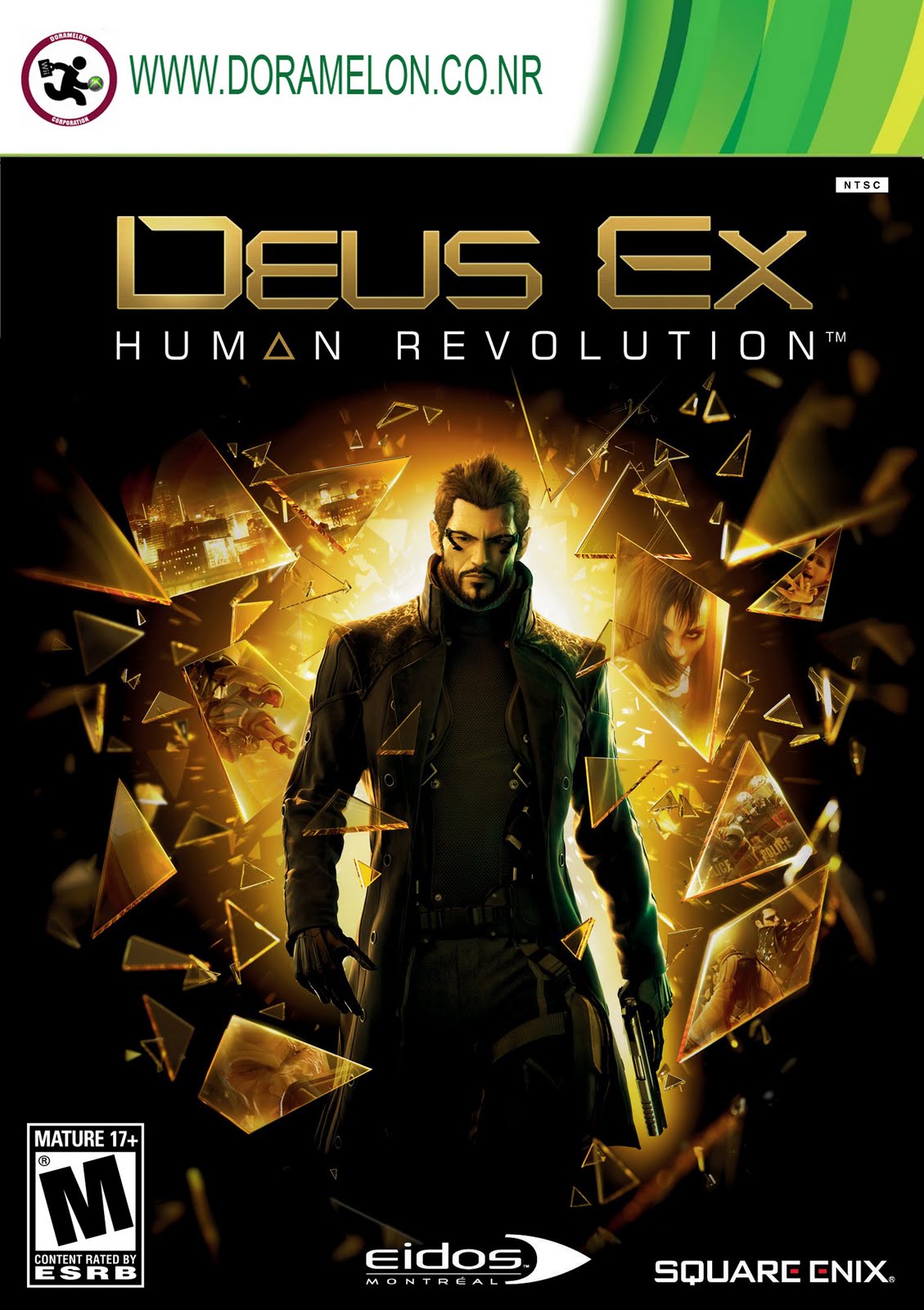
Latest Release Xbox 360 Games :
NB : Tolong Diperhatikan...
PAL Only = Hanya untuk Mesin Eropa/Timur Tengah/Australia (kalau PAL atau bukannya bisa di lihat system setting terus pilih Display kalau ada tulisan PAL 60 dan 50 berarti mesin Anda 100% PAL)
US Only = Hanya untuk mesin US
Asia/NTSC J = Hanya untuk mesin asia (mesin ini yang 99 % dijual di Indonesia pada umumnya)
kalau tidak ada keterangan apa-apa digambarnya berarti bisa dimainkan di mesin asia
Terima kasih atas perhatiannya !!


Untuk List Game Xbox360 lainnya, silahkan download dari link berikut :
( List baru mencakup hingga tgl 01-08-2011, latest bisa dilihat diatas ^^ )
Download Excel List Game Xbox 360
PAL Only = Hanya untuk Mesin Eropa/Timur Tengah/Australia (kalau PAL atau bukannya bisa di lihat system setting terus pilih Display kalau ada tulisan PAL 60 dan 50 berarti mesin Anda 100% PAL)
US Only = Hanya untuk mesin US
Asia/NTSC J = Hanya untuk mesin asia (mesin ini yang 99 % dijual di Indonesia pada umumnya)
kalau tidak ada keterangan apa-apa digambarnya berarti bisa dimainkan di mesin asia
Terima kasih atas perhatiannya !!




Untuk List Game Xbox360 lainnya, silahkan download dari link berikut :
( List baru mencakup hingga tgl 01-08-2011, latest bisa dilihat diatas ^^ )
Download Excel List Game Xbox 360

Subscribe to:
Posts (Atom)